
- Posted by:
- Posted on:
- Category:
Music And AudioMusic And Audio - System:
Android - Developer:
Google LLC - Price:
SGD 0 - Views:
272
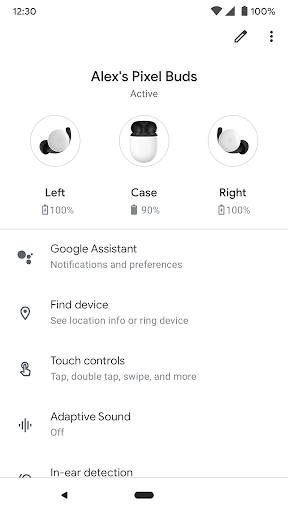
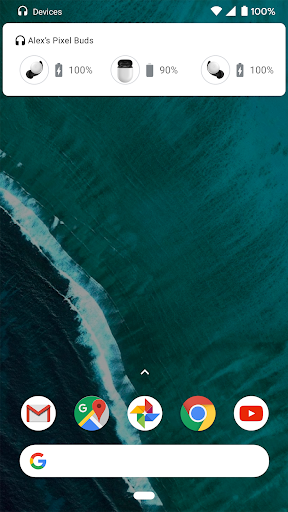
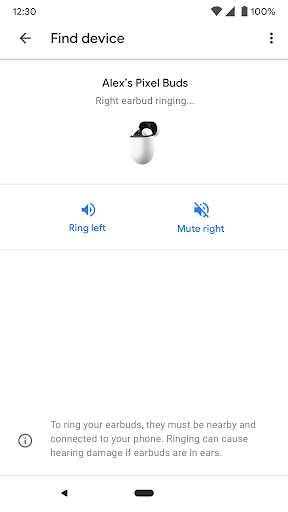
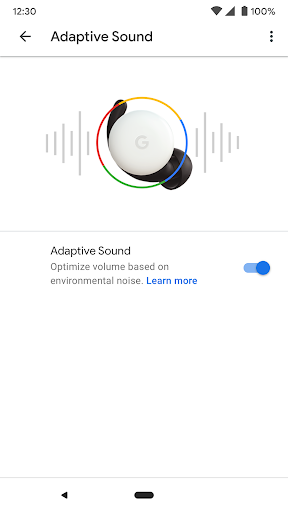
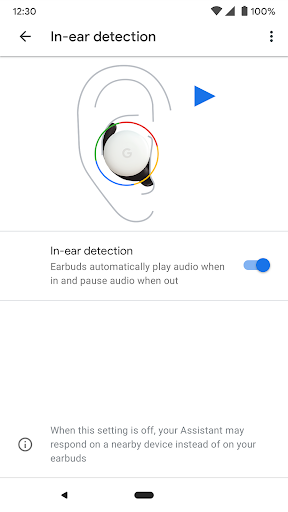
Set up and manage your Pixel Buds right from your Android 6.0+ device with the Google Pixel Buds app. You can easily check your earbuds and case battery levels, and control features like Adaptive Sound, in-ear detection, find device, Google Assistant, and spoken notifications.
Here are some of the things you can do with the Google Pixel Buds app:
• Check battery levels
• Learn how to use touch controls
• Turn on/off Adaptive Sound
• Turn on/off in-ear detection
• Ring your earbuds to help find them
• Control your Assistant and spoken notifications
• Get tips & support
To open the Pixel Buds app:
• On Pixel, connect your earbuds > Bluetooth settings > tap the ⚙️next to Pixel Buds.
• On other Android phones, look for the Pixel Buds app icon on your Home screen.
Note: This app is for Google Pixel Buds (2nd Gen)


